

Edit, split, or preview
Switch the editor and rendered document layout to suit the current task.
DAOLSOFT LABS · WINDOWS

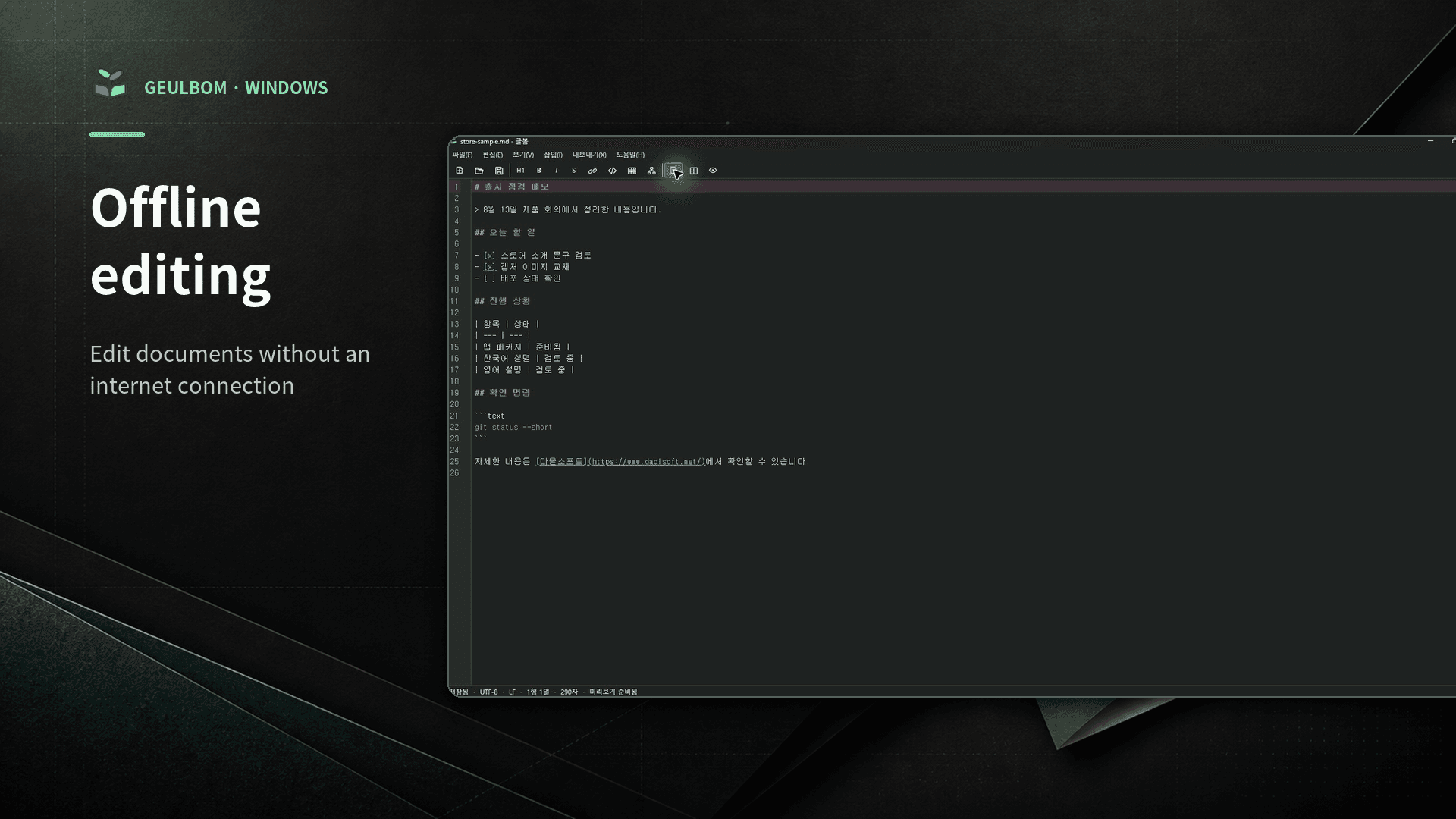
.NET 10 and WPF host a WebView2 and CodeMirror 6 editing experience. Write Markdown, preview Mermaid diagrams, and export the result to HTML or PDF.
Geulbom is now available from Microsoft Store. Updates and Pro purchases or restores are also handled by the Store.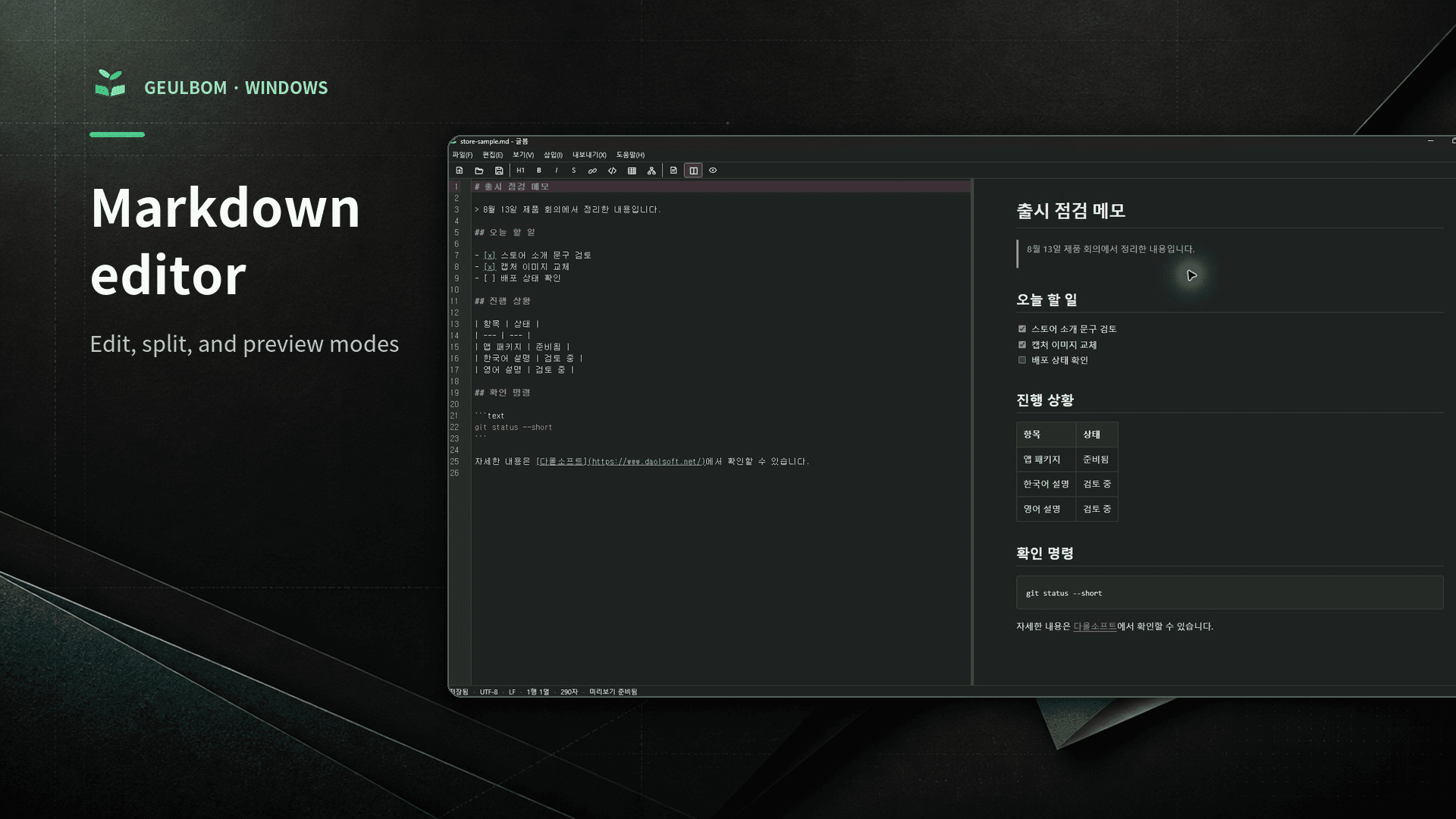
TECHNOLOGY
WPF owns the window and local file workflow, while WebView2 handles editing and document rendering. A defined JSON message bridge connects the two sides.
Windows shell, local files, recovery, and export workflow
A single web surface for the editor and preview
Markdown editing, search and replace, and document commands
Tables, tasks, code, and text-defined diagram rendering
Document export with local images and rendered diagrams
Switch the editor and rendered document layout to suit the current task.
Continue lists, wrap syntax, search and replace, and use familiar shortcuts.
Render Mermaid code blocks as SVG diagrams inside the document preview.
Save the rendered result as standalone HTML or an A4 PDF document.
Read UTF-8, UTF-16, and CP949 files and preserve existing line endings.
Keep a recovery copy on the PC for an unexpected app shutdown.
Geulbom does not send an open document or generated output to a DAOLSOFT server for remote storage.
Geulbom privacy policyInstall Geulbom from Microsoft Store. Contact DAOLSOFT with installation or usage questions.